
2 June 2026 · The bench
Battery or charging port — how to tell which one's failing
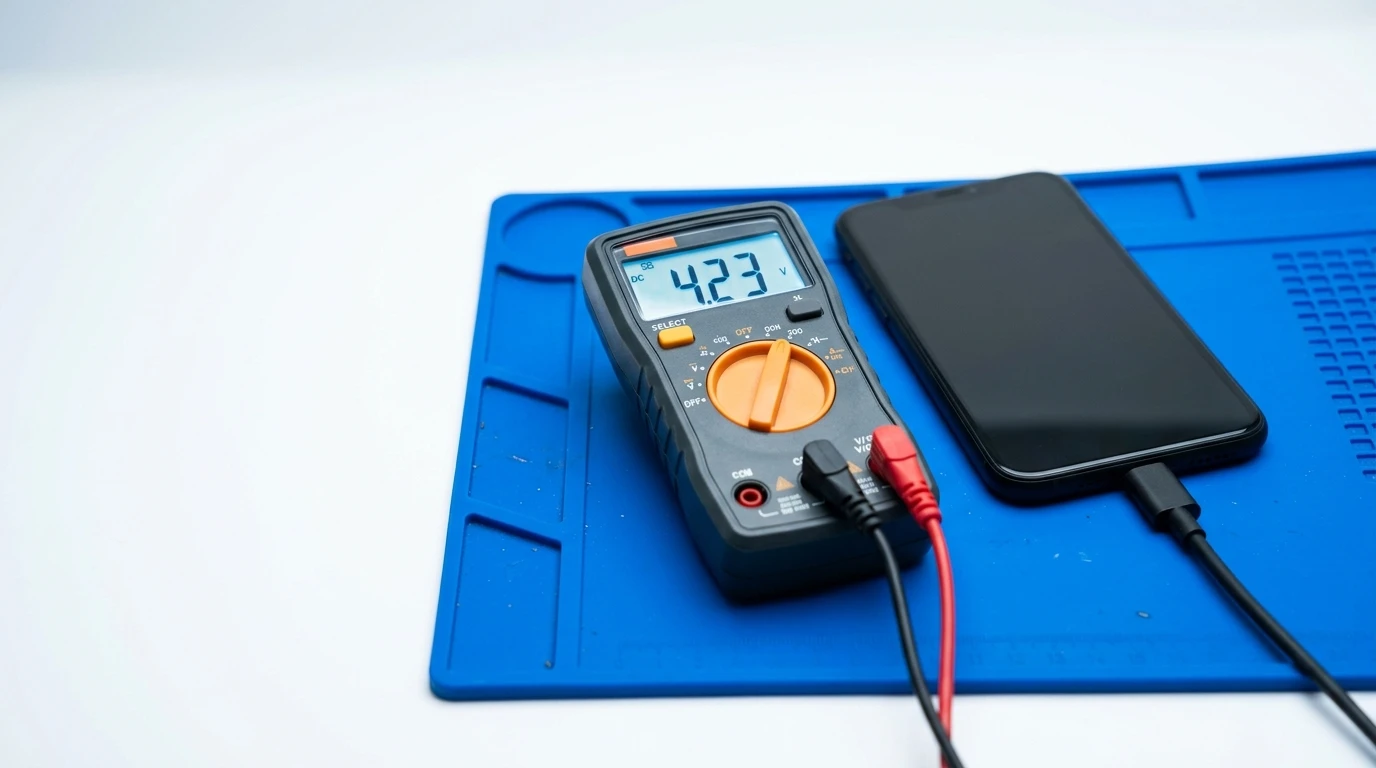
"My phone won't charge" and "my battery is dying fast" get booked in as the same problem more often than you'd think — and they're not. One is a worn cell, the other is a dirty or damaged connector, and mixing them up means paying for the wrong fix.
The quickest test: plug in a cable you know works, and wiggle it gently at the connector while watching the charging icon. If charging starts and stops as you move the cable, that points to the port — often just pocket lint packed into the connector, which we clear for free before quoting anything else.
If the phone charges fine overnight but is dead again by mid-afternoon on a day you used to get through easily, that's a battery health issue, not a port issue. Check Settings → Battery on iPhone, or Settings → Battery on Android, for a health percentage — under 80% and it's normally time.
Swollen battery is the one to stop and act on immediately: if the screen is lifting slightly at one edge, or the back case bulges, stop charging it and bring it in. That is not a "wait and see" fault.
Both fixes are usually 20 to 60 minutes on the bench, and we always test which one it actually is before quoting — a £39-£59 port clean or replacement is a very different job to a battery swap, and we'd rather tell you that up front than guess.
Got the same problem?
Book a free diagnosis and we'll give you a written quote before any work starts.
Book a repair