
MacBook ssd & ram upgrades
Speed up an older MacBook: SSD upgrades, RAM upgrades on serviceable models, macOS migration included. Whitton High Street, from £79 fitted. 3-month warranty.
What the fault looks like
- —Beachballing on every click, minutes to boot
- —Full storage warnings on a machine that is otherwise fine
- —An older Intel MacBook that feels done but is not
What we actually do
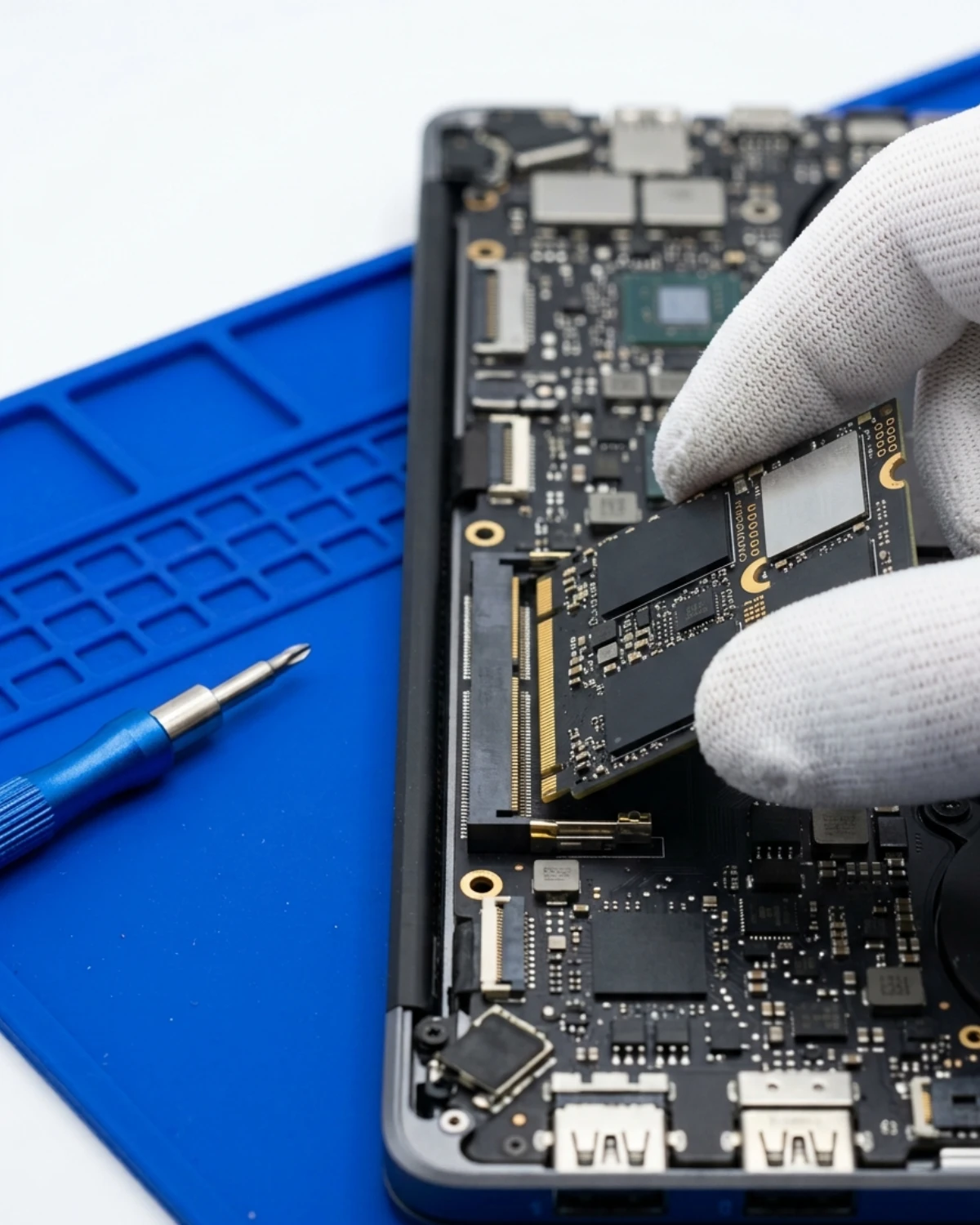
On serviceable models — most 2012–2017 machines — an SSD and a RAM lift transform the machine for a fraction of a replacement.
We clone your existing drive sector-for-sector, so the machine comes back exactly as it was, only faster. Nothing to reinstall, nothing to set up.
Honest line: Apple-silicon MacBooks (M1 onward) have soldered storage and memory. They cannot be upgraded, by us or anyone. If that is your machine we will tell you straight and, if it helps, quote a refurb with more headroom.
Parts and grades, stated plainly
NVMe drives from named manufacturers with proper adapters where the Apple connector requires one. No white-label drives.
Warranty
3 months on drive and fitting. The drive manufacturer warranty passes to you. Full terms on the warranty page.
Prices by model
The number on the quote is the number on the docket. If your model is not listed, call or WhatsApp — we quote by exact part number, never by guesswork.
| Model | Part | Price | Turnaround |
|---|---|---|---|
| 512GB SSD, cloned + fitted | Named-brand NVMe | £129 | Same day |
| 1TB SSD, cloned + fitted | Named-brand NVMe | £179 | Same day |
| RAM 8GB → 16GB (serviceable models) | Matched SODIMM | £79 | Same day |
Questions we actually get
Can my M1/M2/M3 MacBook get more storage?+
Which MacBooks can be upgraded?+
Will I lose anything in the swap?+
Is it worth it on a 2015 machine?+
Other MacBook faults
Same fault, other devices
This one is MacBook-specific — board-level work lives on the Mac side of the bench.
Areas we cover
The bench is on Whitton High Street. Each of these places has its own page, with how to get here.